
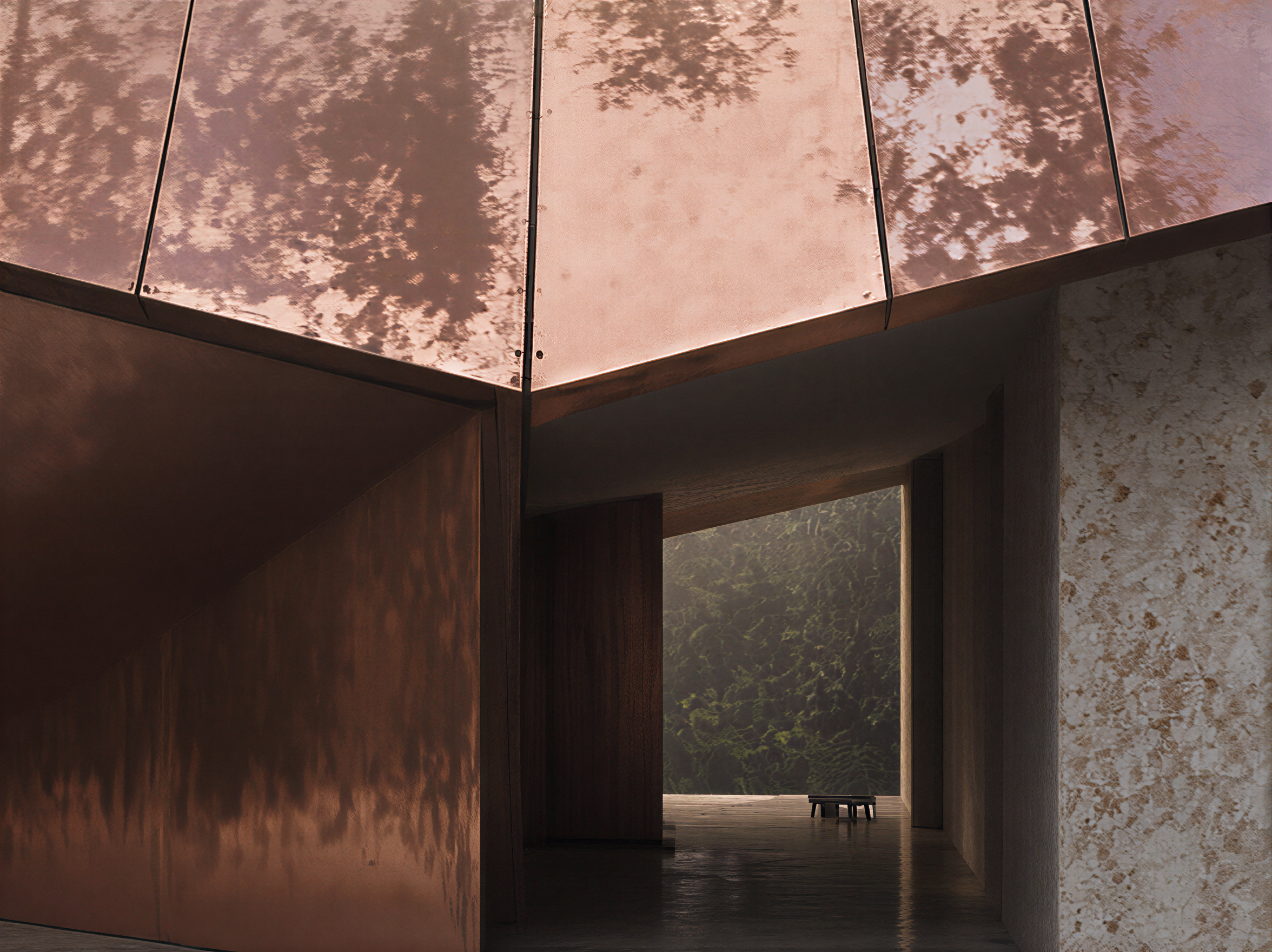
Build AI image workflows for architectural practice.
Learn to generate and refine architectural images inside Photoshop using the Nano Banana plugin — a studio of AI models in one panel. Build prompting fluency, master mask-aware editing, and use multiple model types to develop clearer visual options while maintaining design intent — now structured with CPD guidance, final assessment, reflection task and certificate of completion.
AI workflows.
CPD-ready structure.
From AI image generation in Photoshop to cinematic video workflows, this course guides you through a practical architectural visualisation process now supported by CPD guidance, a final assessment, reflection task and certificate of completion.
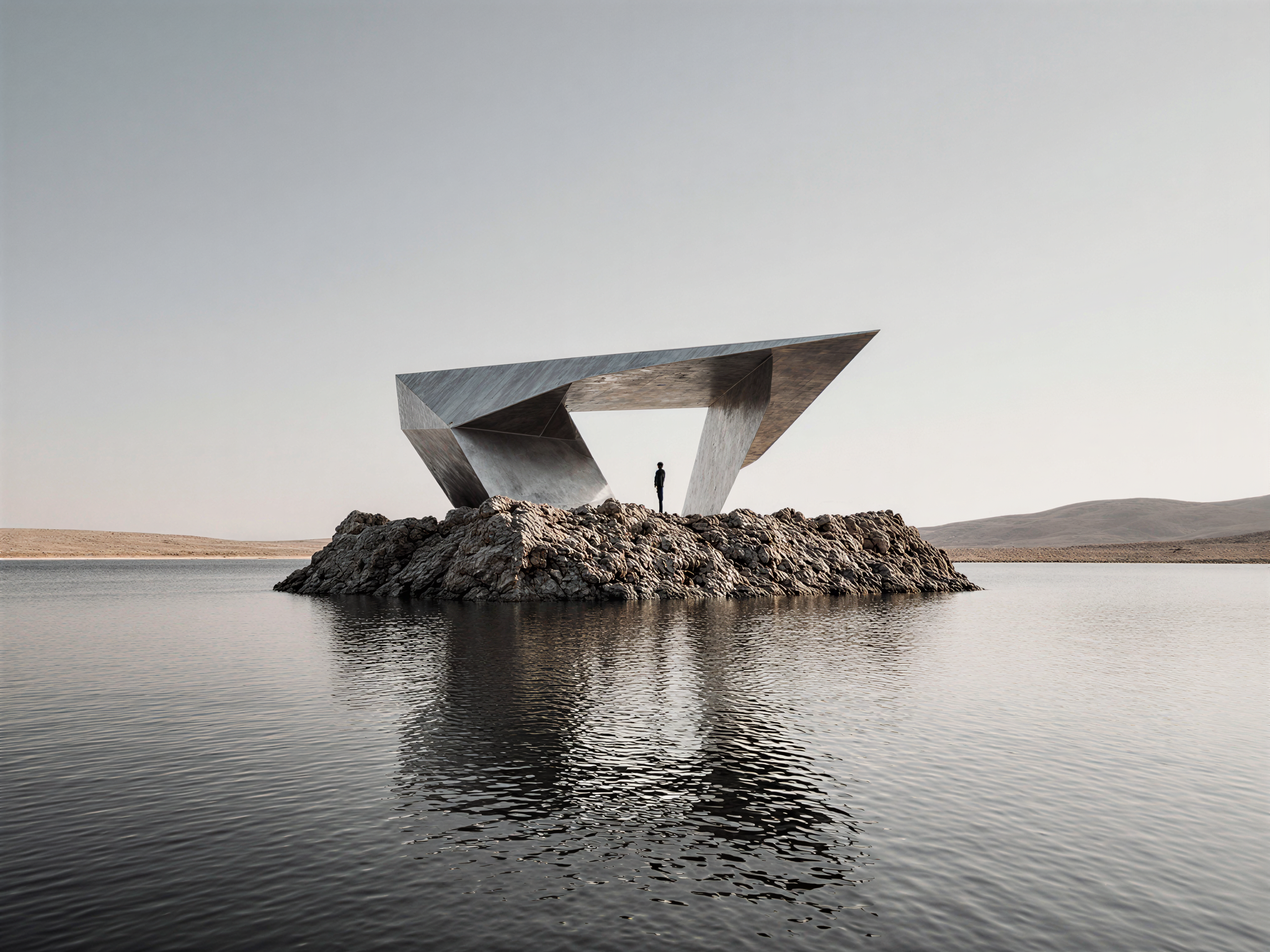
01
Shape AI
Image generation in Photoshop
Learn to generate and refine architectural images inside Photoshop using the Nano Banana plugin — a studio of AI models in one panel. Build prompting fluency, master mask-aware editing, and use multiple model types to develop clearer visual options while maintaining design intent.
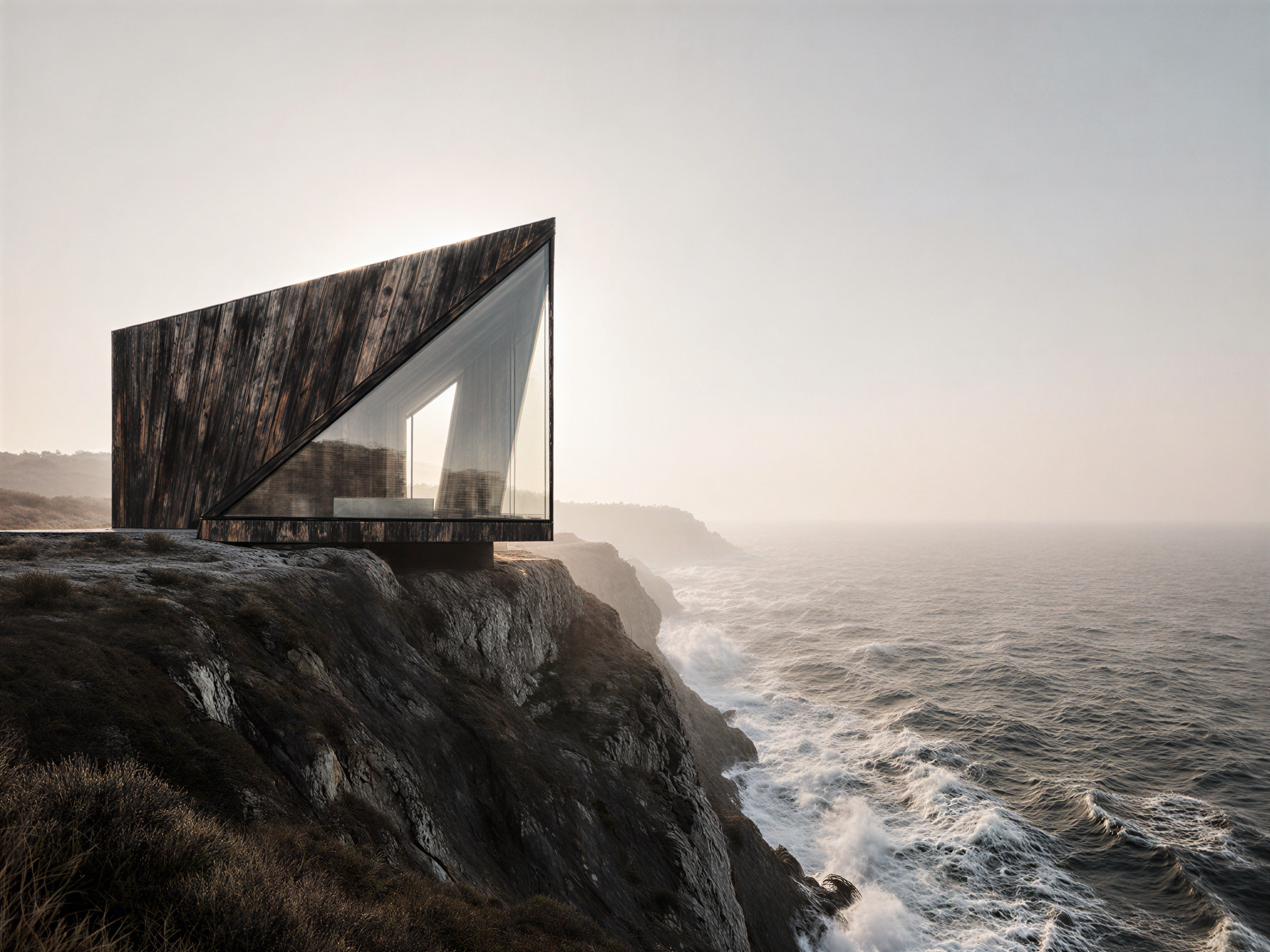
02
Animate AI
Cinematic motion — no GPU
Turn still architectural images into cinematic sequences using AI video models. Understand camera motion, video prompting and sequencing so your visuals can support presentations, concept narratives and client communication.
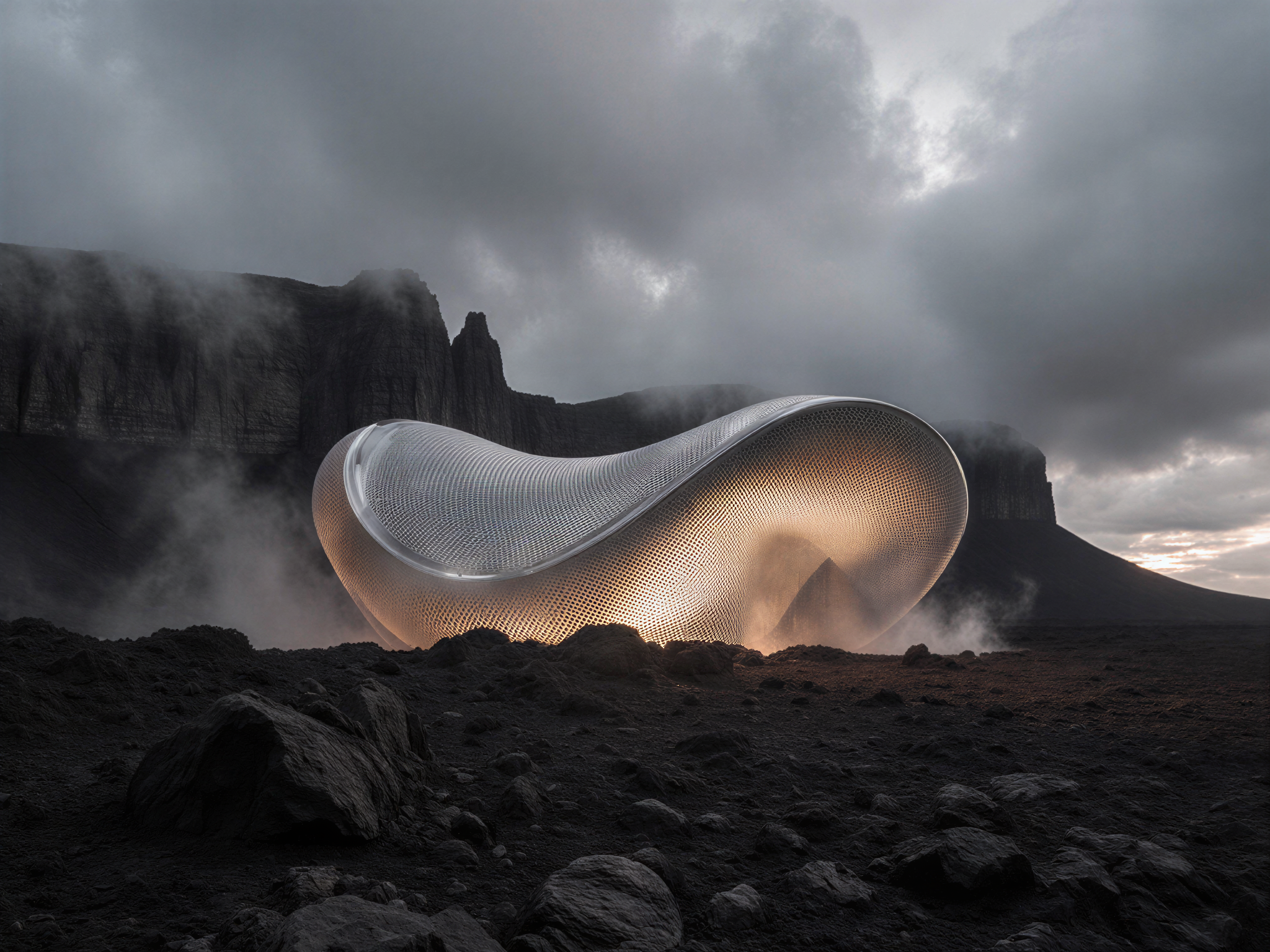
03
Apply AI
CPD evidence + 1-on-1 support
Complete the course with CPD guidance, a final assessment, a short reflection task and a certificate of completion. You also receive one optional 60-minute 1-on-1 session with Brice — book any time that suits you through the booking link — to help apply the workflow to your own architectural visualisation process.
Tools & models covered · Updated December 2026
A studio of AI models, inside Photoshop.
The course teaches the Astria Nano Banana plugin for Photoshop — a single panel that gives you access to a growing studio of AI image models. The workflow stays the same; the model menu grows as new tools land in the plugin.
Currently covered
- —Nano Banana Pro (Gemini 3) — subject consistency and identity preservation across edits
- —GPT Image 2 — mask-aware editing at up to 4K, surgical replacement
- —Seedream 4.5 — long-prompt, structured composition
- —WAN 2.7 — more permissive content policy, fewer refusals
- —Flux 2 Pro — alternative generation style
- —Kling 2.5 — cinematic video generation from still images
What you'll need: Adobe Photoshop 2025+ (your existing subscription) and the Nano Banana plugin from Astria — $9 one-time, plus pay-as-you-go credits for image generations. No GPU required; everything runs through cloud APIs, so the course works on any Mac or PC.
Included · CPD evidence
4 hours of structured CPD, with lifetime access
The course is built around the three things CPD frameworks ask for — written learning outcomes, a final assessment, and a reflection task — plus a certificate of completion and a downloadable guide to recording your CPD. It is structured to meet the self-recorded CPD criteria in Australia, the UK, Canada, New Zealand and Ireland; in each, CPD is recorded by the architect, so no provider accreditation is required. Tools evolve fast, so the course is updated as workflows change.
Before you enrol.
Will my professional body accept this for CPD?
The course is structured to meet the published self-recorded CPD criteria in Australia, the UK, Canada, New Zealand and Ireland. In each of these markets CPD is recorded by the architect — boards and institutes do not pre-approve individual courses, so there is no provider list to be on. You record the 4 hours yourself, supported by the certificate of completion, the assessment result and your written reflection.
Once enrolled, the in-course How to Claim by Country guide walks through exactly how to log it in each market. CPD requirements vary by registration board and institute, so each participant is responsible for confirming eligibility with their own professional body.
What if I'm not in one of the five listed countries?
The five named countries are where we have verified the course meets the published structured-CPD criteria. Most other CPD frameworks (EU member states, Singapore, South Africa, the UAE and others) accept structured learning that includes written outcomes, assessment and a reflection task — which this course provides — but the recording mechanics vary.
If you're outside the five listed markets, you can still take the course and submit the certificate and assessment to your own professional body as evidence of structured learning. We recommend checking with your registration board or institute before purchase.
What software and tools do I need to buy separately?
You'll need Adobe Photoshop 2025+ (your existing subscription) and the Nano Banana plugin from Astria — a one-time $9 plugin, plus pay-as-you-go credits for the image generations themselves. Typical credit usage for completing the course is in the order of a few dollars.
No GPU is required. Everything runs through cloud APIs, so the course works on any modern Mac or PC that can run Photoshop comfortably. There's no Adobe Firefly subscription needed, no Stable Diffusion local install, no additional 3D software.
Do I need prior AI or 3D experience?
No. The course is built for architects and designers who are confident in Photoshop but new to AI image workflows. It starts with simple prompts and Photoshop tools, then builds toward advanced architectural use cases — sketch-to-image, plan-to-render, image-to-video and more.
There is no 3D modelling, no scripting, no Grasshopper or Blender prerequisite. If you can navigate Photoshop, you can take this course.
How does the 60-minute 1-on-1 session work?
Every student receives one optional 60-minute 1-on-1 session with Brice, booked through a private calendar link at a time that suits you. Most students use the session to work through their own project material — applying the course workflow to a real visualisation they need to deliver.
Sessions are conducted by video call. They must be booked within 12 months of purchase. The session is optional; if you don't use it, that doesn't affect your access to anything else.
Is this course live, or pre-recorded?
Lessons are curated, pre-recorded videos you can complete at your own pace. The course includes activities, a structured assessment and a reflection task — all designed to be completed on your own schedule.
Your 60-minute 1-on-1 session with Brice is the live component, booked when it suits you within 12 months of purchase.
14-day satisfaction guarantee.
You may request a full refund within 14 days of purchase, provided you have not completed or accessed more than 50% of the course content.
"Completion" includes lessons marked complete or evidence of accessing the majority of materials — videos, files or downloads.
To request a refund, contact brice.pannetier@atelierdesigna.com with your purchase details.
02 / 1-on-1 session60 minutes with Brice.
Every student receives one optional 60-minute 1-on-1 session with Brice, booked through a private calendar link at any time that suits you.
Sessions must be booked within 12 months of purchase. They are conducted by video call (Zoom or equivalent). Unbooked sessions cannot be exchanged for a refund or transferred to another person.
Bring AI into your practice, on your terms.
Register For The Webinar
Enter your details below to confirm your registration.